Still have a question? Email us.
Do I need to know Excel?
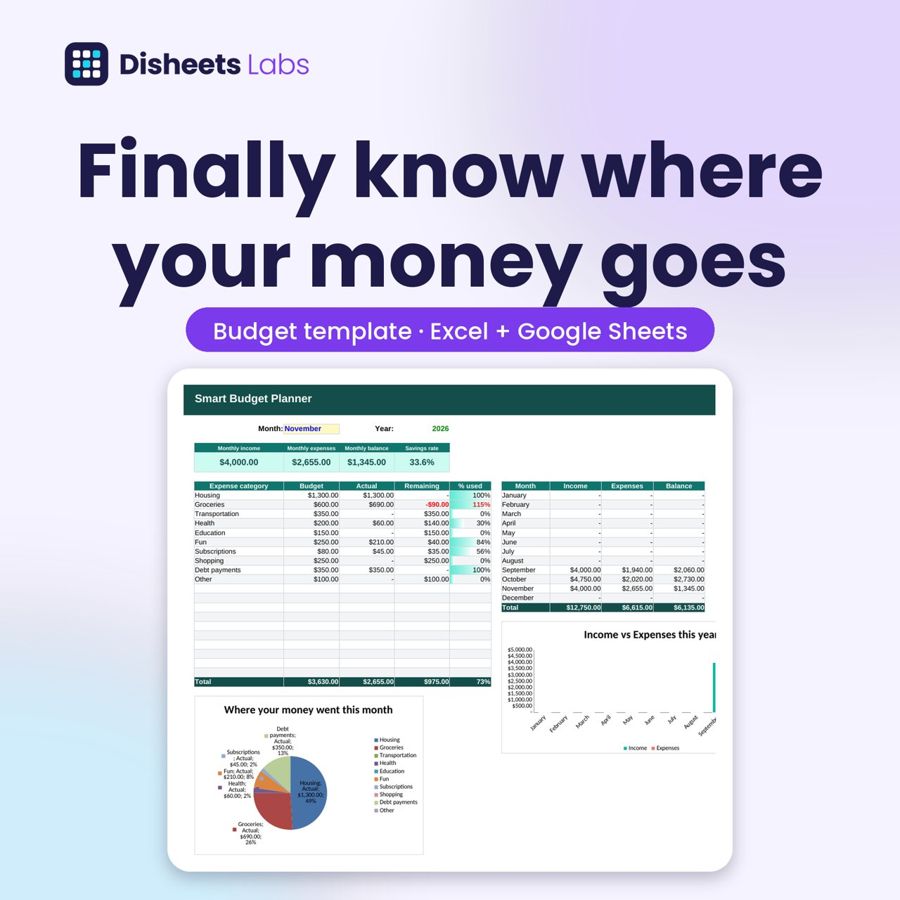
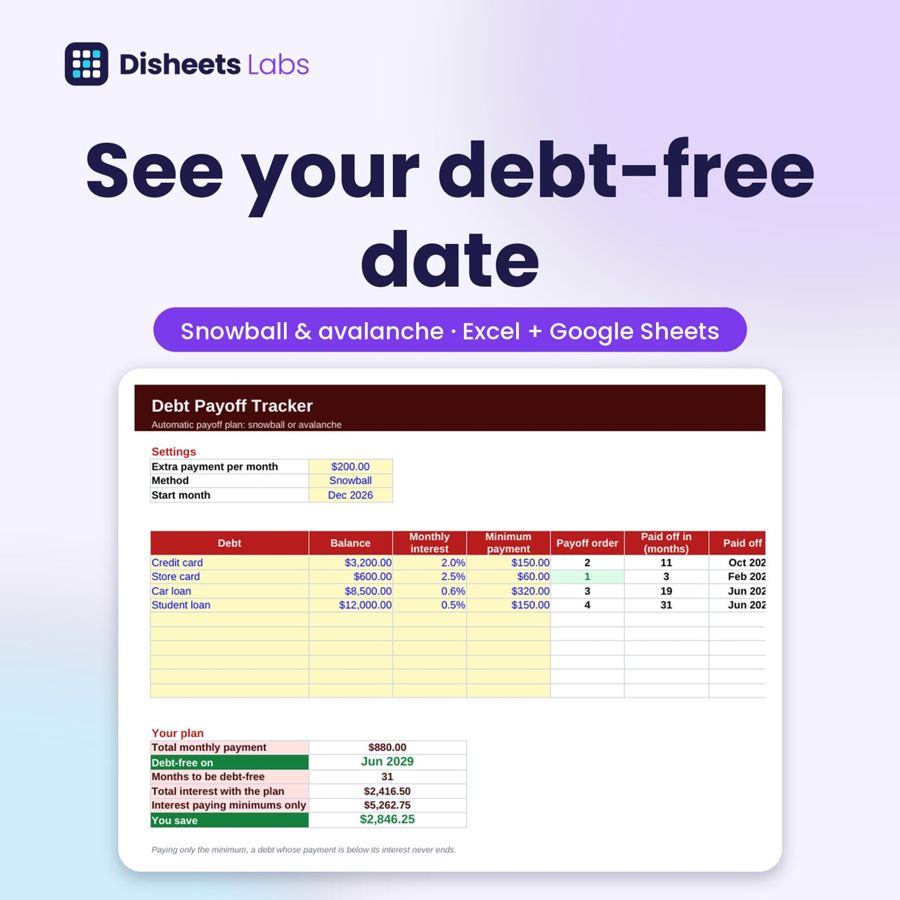
No. You only fill in the yellow cells and the spreadsheet does the math. The video tutorial walks you through it.
Does it work on my phone?
Yes. Make your copy in Google Sheets and use the free Google Sheets app on your phone.
Is it a subscription?
No. You pay once and keep lifetime access.
How do I get the spreadsheet?
Right after checkout you get your download page with the Excel file, the Google Sheets link, the video and the guide. A copy goes to your email.
Which currency are the formulas in?
The English versions use US dollars, and you can change the currency format in Excel or Google Sheets in a couple of clicks.